
Microsoft Project Online will be officially discontinued on September 30, 2026.
After this date, the service will be shut down and data will no longer be accessible.
Although it may seem far away, organizations that postpone this decision often face significant risks: loss of historical data, time pressure, rushed decisions, and incomplete adoption of new platforms.
This article presents a practical checklist to help your company plan this migration in a structured and secure way.
1. Understand the Current Scenario
Start with a complete inventory of Project Online usage:
- Users and profiles
- Active and historical projects
- Attention: limits and interfaces differ between tools. A detailed analysis is required
- Features in use
- The following areas require special attention, as there are notable differences between Project Online, Planner, and D365 Project Operations:
- Portfolios
- Baselines
- Resource Management
- Timesheets
- Project Desktop
- Risks and Issues
- Customizations: fields, lists, reports, and workflows
- Reports and Dashboards
- Integrations with other tools
- The following areas require special attention, as there are notable differences between Project Online, Planner, and D365 Project Operations:
Involving IT, PMO, business areas, and finance from the beginning helps avoid surprises later on.
2. Assess Data and Customizations
Not everything needs (or should) be migrated.
Classify:
- What will be migrated
- What will be archived
- What can be discarded
⚠️ Important: Planner and Dynamics 365 Project Operations have different limits, concepts, and ways of working compared to Project Online.
3. Define the Migration Target
Choosing the platform is a strategic decision:
Microsoft Planner / Planner Premium
Recommended for teams seeking simplicity, collaboration, and native integration with Microsoft 365. Offers modern features such as dependencies, portfolio views, automations, and Copilot.
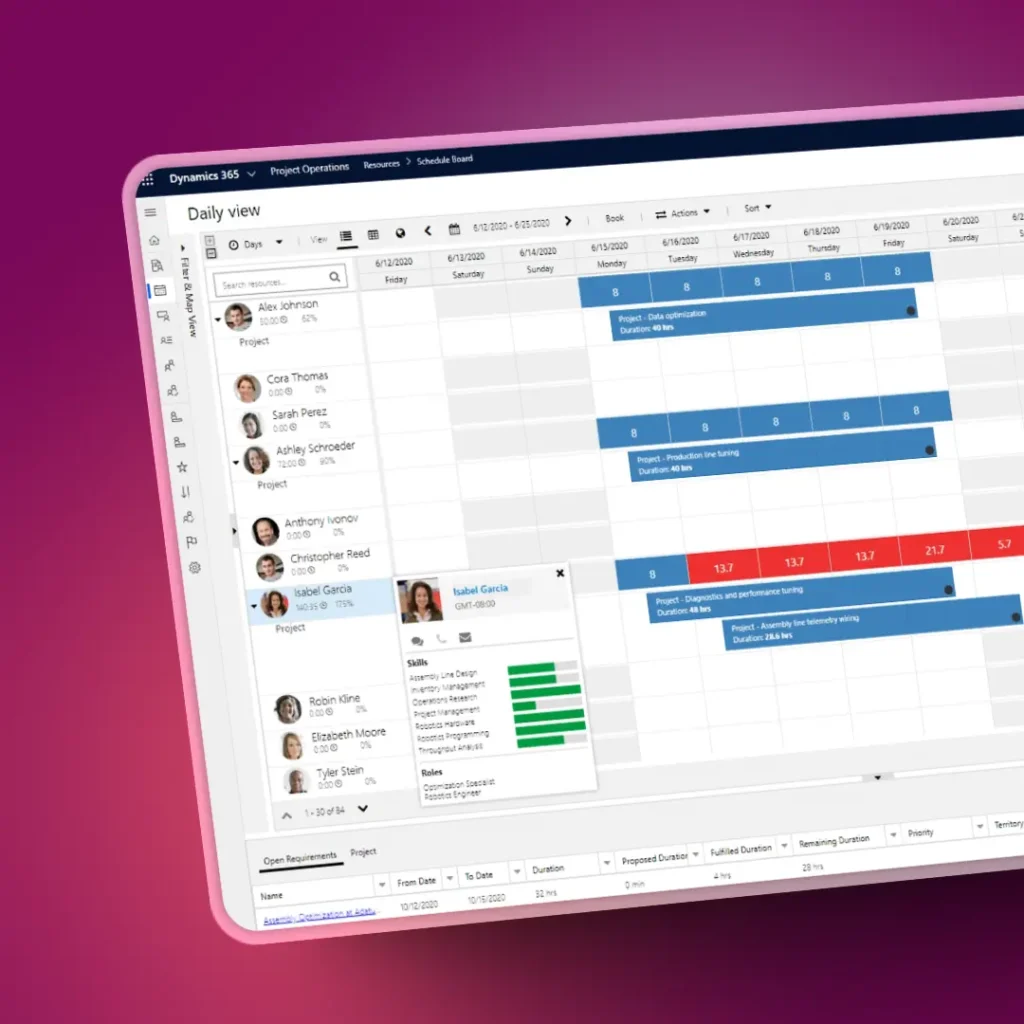
Dynamics 365 Project Operations
Recommended for project- and service-oriented organizations or those requiring advanced financial control. It integrates projects, resources, finances, contracts, time tracking, and billing into a single platform, providing a full project lifecycle view.
4. Check Required Licenses
Depending on the scenario, license adjustments may be necessary.
Project Online subscription plans already include usage rights for Planner, but Dynamics 365 Project Operations has its own licensing model. Accessing Dataverse requires Premium Power Automate Connectors.
5. Prepare the Target Environment
Before migrating data:
- Configure the environment
- Validate permissions
- Adjust structures and processes
6. Plan Data Migration
Clearly define:
- Coexistence strategy between systems
- Migration waves
- Data archiving and cleanup
7. Test and Validate with a Pilot
Run a pilot migration with low-risk projects to validate:
- Data integrity
- Performance
- User adoption
8. Train Users and Teams
Technology only delivers value when it is adopted.
Invest in:
- Training sessions
- Support materials
- FAQs and initial support
9. Execute the Full Migration
Complete the migration, validate the data, and perform final tests.
👉 Ensure everything is completed months before September 2026.
10. Keep Evolving
After migration:
- Adjust processes
- Explore automations
- Use AI to improve efficiency and governance
- Continue training users
Conclusion
💡 Corporate migrations can take more than 6 months, considering procurement, planning, and full adoption.
Starting now reduces risks, avoids rushed decisions, and enables you to extract maximum value from new platforms.
👉 If your organization needs support to plan and execute this transition, rely on our experience in Microsoft projects for a secure and structured migration.